 Plant As Deco
Organization & Storage
Cleaning Schedule Printable Ideas: Four Formats That Actually Get Used
By Plant As Deco · Updated 17 November 2026
A cleaning schedule rarely dies because the tasks were wrong — it dies because the thing holding it lives in the wrong place: a tab you never open, a sheet of paper buried under mail, a board hung behind a door. This page is about the artifact, not the method. It compares the four formats that survive a real apartment — a paper printout, a Google Sheet, a whiteboard, a fridge clipboard — shows how to build each one in minutes with what you already own, and gives you the weekly reset that keeps any of them alive. Which task runs on which weekday is the weekly cleaning schedule guide’s job; this page makes the thing you pin up.
Weekend-ready: $0–$20, one hour. Renter-safe, no drilling.
1. Pick the format by where your eyes already go
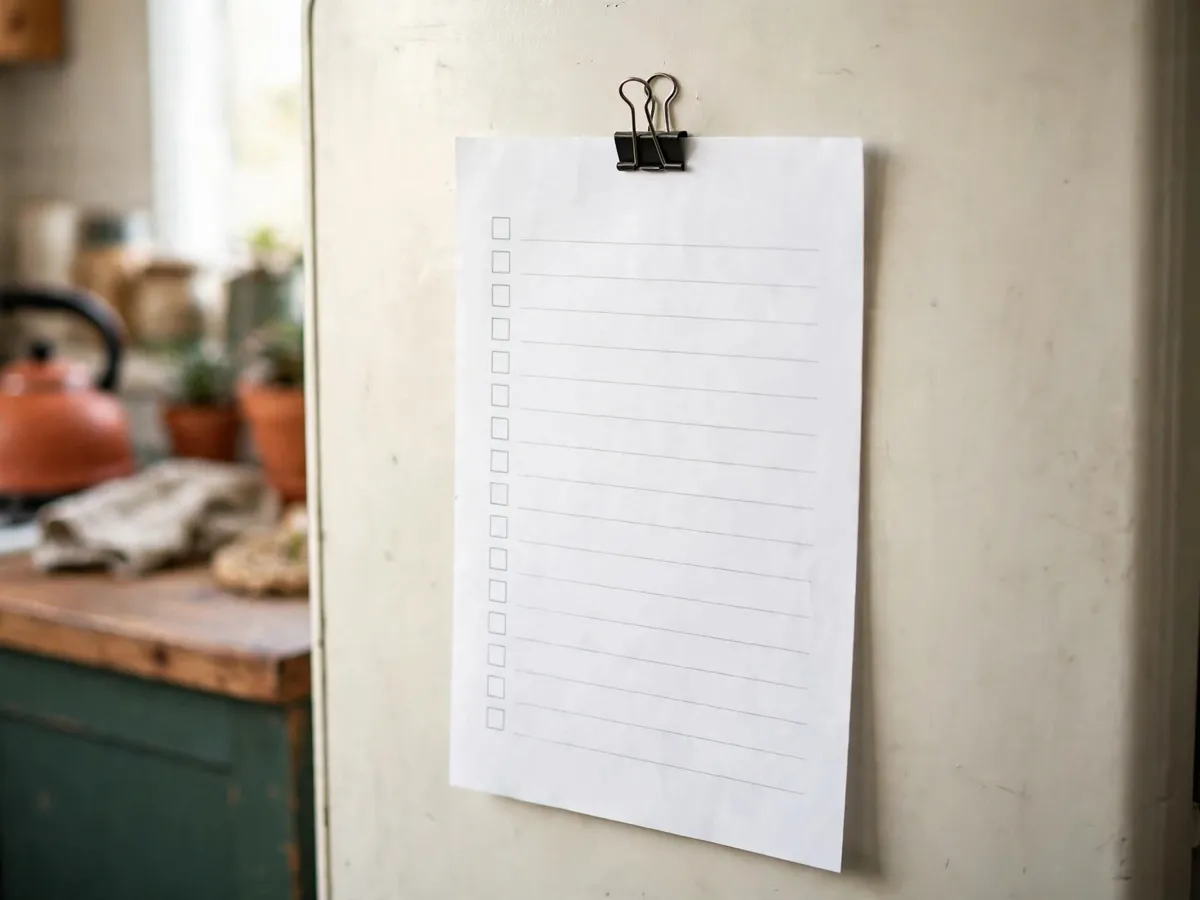
There are four honest ways to hold a cleaning schedule, and each one wins in a different apartment. The paper printout is visible without a device, which is why it outlives most apps — but it needs reprinting whenever the tasks change, and it slides behind the fridge by week two if it is not fixed to something. The Google Sheet is free, editable in seconds, and carries a checkbox column per task — but it is invisible unless someone opens it. The whiteboard erases clean every Sunday and the whole household can see it — but it needs a stretch of wall you actually look at. The fridge clipboard lives exactly where the kitchen mess starts — but the marker wanders off unless it is tied down.
None of these is the best format in the abstract. The comparison that matters is setup cost, weekly upkeep, and who each one is really for:
| Format | Setup cost | Weekly upkeep | Best for |
|---|---|---|---|
| Paper printout | $0–$5 | Reprint and rehang when tasks change, about 5 minutes | The kitchen-first renter who wants it visible with no device |
| Google Sheets | $0 | A 5-minute Sunday review | The person whose evenings already happen at a laptop |
| Whiteboard | $10–$15 | Wipe and rewrite the lines, 5 minutes | A household — everyone sees it without being added to a tab |
| Fridge clipboard | $5–$10 | Wipe the boxes with a dry-erase marker, 5 minutes | The cook — it lives where the mess starts |
The decision rule is one question: where do your eyes already go on an ordinary evening? If they go to the kitchen counter, paper or the clipboard wins. If they go to a laptop that never really closes, the Sheet wins. If two or more people share the mess, the whiteboard wins, because a spreadsheet nobody was invited to is a spreadsheet nobody opens. Choose the place first and the format picks itself — a schedule hung where you never stand is a schedule you will stop reading by February, no matter how good the tasks on it are.
Cost: $0–$20 across all four formats. Time: 10 minutes to choose. The format is the decision — a schedule hung in the wrong place is a schedule you stop reading.
2. The paper printout, made in 10 minutes with no design software
A printable cleaning schedule does not need a design app, a download, or a trip to a print shop. Everything below happens in Google Docs, which a renter already has open in some tab, and the result is one page that reads from across the kitchen. The whole build is six steps:
- Open a new Google Doc and turn the page landscape — File, then Page setup, then Landscape. The table you are about to draw is wide, and five columns squeezed into a portrait page shrink the type until it wraps.
- Insert a table, six columns by eleven rows. The first column is the task; the next five are M, T, W, Th and F. If you clean by zone instead of by task, make the first column the zone — bathroom, kitchen, floors — and the day columns work exactly the same.
- Type up to 10 tasks into the first column — the cap that keeps the page alive, for reasons section five explains. Leave every day cell empty; the empty cells are what a pen is for.
- Bold the header row and set the type at 12 pt or larger. The page gets read from two steps away, not from six inches, and 12 pt is the smallest size that survives that distance.
- Print at 100% scale, never “fit to page” — shrink-to-fit quietly shrinks the boxes until a pen tick no longer fits inside them. One page only; if it spills onto a second, cut tasks, not type size.
- Protect the page before it hangs: slide it into a clear sheet protector, or clip it to a clipboard. Tape is fine inside a cabinet door; on painted drywall use painter’s tape, and on the fridge a magnet clip holds it — nothing drills, nothing damages the deposit.
Where it hangs matters more than how it prints, and there are three spots that actually work. Inside a cabinet door is the quiet winner: it sits at eye level every single time you reach for a glass, and it hides from guests. The fridge side is the loudest: one magnet clip, visible from the hallway, which is either the point or the problem depending on your household. The laundry area is the third, because that is where the week’s jobs end — the schedule meets you at the finish line. And when choosing between a wall and a door, take the door: a door you open every day shows you the page whether you meant to look or not, while a hallway wall you walk past a hundred times until it becomes furniture.
Cost: $0–$5 — paper you own, a dollar-store protector, a magnet clip. Time: 10 minutes to build and hang. Landscape beats portrait on a fridge door: five columns need the width, and the fridge door is wider than the sheet.
3. The Google Sheets version that actually gets used
The Sheet that survives is small on purpose: one tab, no second tab, nothing that needs a tour to understand. The rows are weeks — one date per row, running down the month. Each task gets its own checkbox column down the side, inserted with Insert, then Tick box, so a week is a row of boxes you fill in as the days happen. One conditional-formatting rule finishes it: a custom formula that greys the whole row once its first checkbox is ticked, so a finished week visibly closes and the next empty row is the only thing left asking for attention.
Then put the review on the calendar, because the Sheet’s whole upkeep is one habit: five minutes on Sunday. Open the tab, tick what happened, and look hard at what did not — a column of unticked boxes two weeks running is not you failing the schedule, it is the schedule naming the wrong task. Edit the line, delete the column, move on. The file is editable in seconds, which is exactly why the version stays honest: it fixes itself every Sunday instead of waiting for a reprint.
Here is the honest catch, and it is the reason this format loses more apartments than it wins: a sheet you don’t open is worth less than paper you walk past. The file lives where your laptop lives, not where the mess lives, and a cleaning schedule has to intersect the mess to matter. If your evenings genuinely happen at the laptop — dinner finished, tabs still open — the Sheet wins on every count: free, editable, and it never needs a reprint. If the laptop closes at six and the evening happens on the sofa, be honest about that and print the page instead.
Cost: $0. Time: 20 minutes to build, 5 minutes on Sunday. A sheet you never open is worth less than paper you walk past — pick by where your eyes already go.
4. The whiteboard and the fridge clipboard
The whiteboard is the erasable weekly reset. Five to ten lines written once, wiped clean every Sunday, written again — nothing is archived, nothing accumulates, and the board is always exactly one week old. Its real advantage is that it is household-visible: a partner or roommate sees the week without being invited into a file, added to a tab, or asked to check an app, which makes it the only format that works when more than one person shares the mess. Its friction is wall: a board hung behind a door or in a hallway you cross without looking is a board that stops being read, so it earns its spot only on wall you can see from where you stand while cooking or folding.
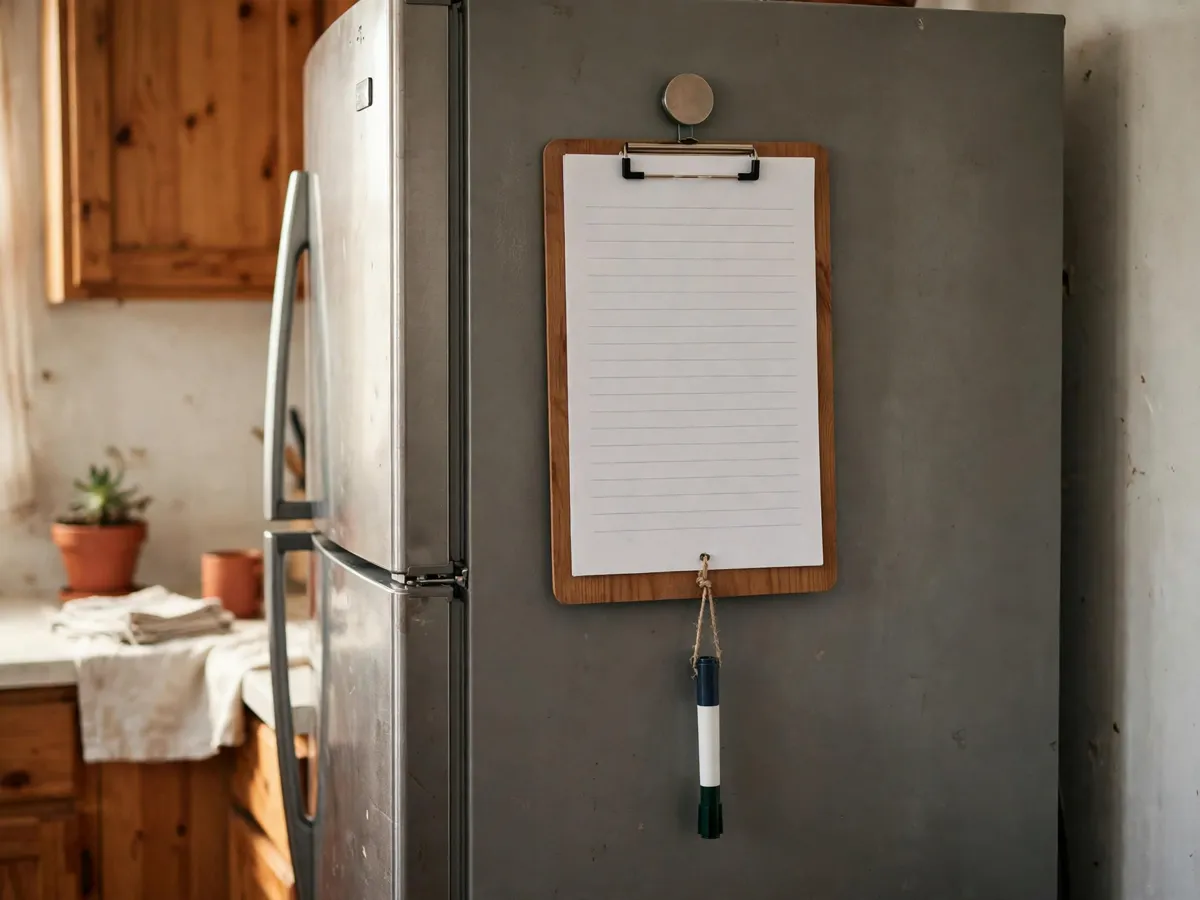
The fridge clipboard is the same idea moved to where the kitchen mess actually starts. A clipboard hangs on the fridge door from one strong magnet, the printed page from section two sits under the clip, and a dry-erase marker hangs from the board on a loop of string — tick the day boxes during the week, wipe them Sunday, and the paper underneath stays clean for a month before it needs a reprint. It is the smallest setup in this comparison and the one that dies most quietly, because paper plus marker drift: the marker wanders off on day three, the clipboard migrates to the counter, and by Friday the system is a blank board. Tying the marker down is not a detail — it is the difference between a format and a forgotten one.
A note on the five minutes itself: it goes faster when nothing on the counter has to be moved first, and that is a storage decision, not a cleaning one — the kitchen drawer organization guide is the one that gives every tool a home so the weekly wipe is a wipe, not a dig.
Cost: $10–$20 for both — a board, a marker, a clipboard. Time: 15 minutes to set up. The whiteboard needs wall you can see from where you stand; the clipboard needs a fridge you open.
5. The weekly reset that keeps any format alive
Every format above runs on the same five minutes, and it is the only maintenance any of them needs: the same day every week — Sunday evening works because the week is still intact enough to read — a timer on, and three moves. Tick what happened. Erase or reprint. Nothing else. No redesign, no new system, no switching formats mid-month; the format was fine, the week was sideways, and the reset is what separates the two.
The failure modes are worth naming because each one kills a different format. The schedule that grows is the first: ten lines in January, twenty by February, thirty by March, dead by April — a grid that absorbs every new job ends the month as a homework assignment. Cap the list at ten, and make a new job earn its line by pushing an old one out. The second failure mode is the line nobody ticks: when one task goes unticked for three weeks running, that is the wrong task, not the wrong person — replace it with the job you actually do, even if the job you actually do looks too small to deserve a line. The third is the rebuild: after a bad week, the instinct is to start over with a new format, and that is the fastest way to make the new format die the same death. Reprint the page, wipe the board, reopen the tab — the format survived; the week didn’t.
Cost: $0. Time: 5 minutes, once a week. The reset keeps the format alive; nothing keeps alive a schedule that grew to 30 tasks.
What we would skip
- Laminating — a clear sheet protector does the same job for about a dollar, and the page swaps out in two seconds when the tasks change.
- A 30-task schedule — the cap is 10 lines; the grid that grows is the grid you quit by spring.
- Color-coded systems for one person — color splits who does what; solo, it is decoration you maintain for an audience of nobody.
- Two formats running in parallel — run one, in the place your eyes already go; the backup is the one that goes stale and quietly contradicts the other.
- A paid template — the six steps in section two build the same page in 10 minutes with what you already own.
Cost: $0 to skip. Time: 2 minutes to read.
The before-you-start checklist
- The task list written first, capped at 10 lines
- The format picked by where your eyes already go — kitchen, laptop, wall or fridge
- Paper printed landscape at 100% scale, one page
- The Sheet built as one tab with checkbox columns and a conditional-formatting grey-out rule
- The whiteboard or clipboard hung where the mess actually starts
- The marker tied down, the protector or clipboard ready, the magnet clip in hand
- The reset day chosen and put on the calendar as an appointment
Cost: $0 to check. Time: 15 minutes before week one.
Common questions
What is the best format for a cleaning schedule?
The one hung where your eyes already go — there is no best format in the abstract. Paper and the fridge clipboard win for the kitchen-first, the Sheet wins when your evenings happen at a laptop, and the whiteboard wins for a household. The honest test: a sheet you don’t open is worth less than paper you walk past.
How do I make a cleaning schedule printable without design software?
A six-column, eleven-row table in a Google Doc: task in the first column, M through F beside it, up to 10 tasks, header bolded at 12 pt. Print landscape at 100% scale — never fit-to-page — so the boxes stay big enough to tick with a pen. One page, ten minutes.
Why landscape orientation instead of portrait?
Five columns need width. Portrait shrinks the day columns until the type wraps and the boxes get too small for a pen tick, while landscape keeps each day wide enough to write in — and a page on a fridge door is read from across the kitchen, so the bigger cells are the ones that survive the distance.
How many tasks should a cleaning schedule have?
Ten lines is the cap. A schedule that grows past it — thirty tasks by spring is the usual route — turns into homework and dies. A new job earns its line by pushing an old one out.
How do I restart a schedule everyone stopped using?
Run the weekly reset instead of rebuilding: the same day every week, five minutes, tick what happened, erase or reprint, nothing else. And fix the lines that never got ticked — three unticked weeks means the task is wrong, not the people.
Save these on Pinterest
Pin the four formats — the 10-minute printout, the free Sheets build, the whiteboard, the fridge clipboard — so the next schedule survives past week three on a 5-minute Sunday reset. This guide lives in the organization and storage collection with the rest of the checklists.